The modern scientific illustration suite for researchers, educators, and authors.
Design publication-grade figures in BioCanvas Web on any device or with the native Windows Desktop App.
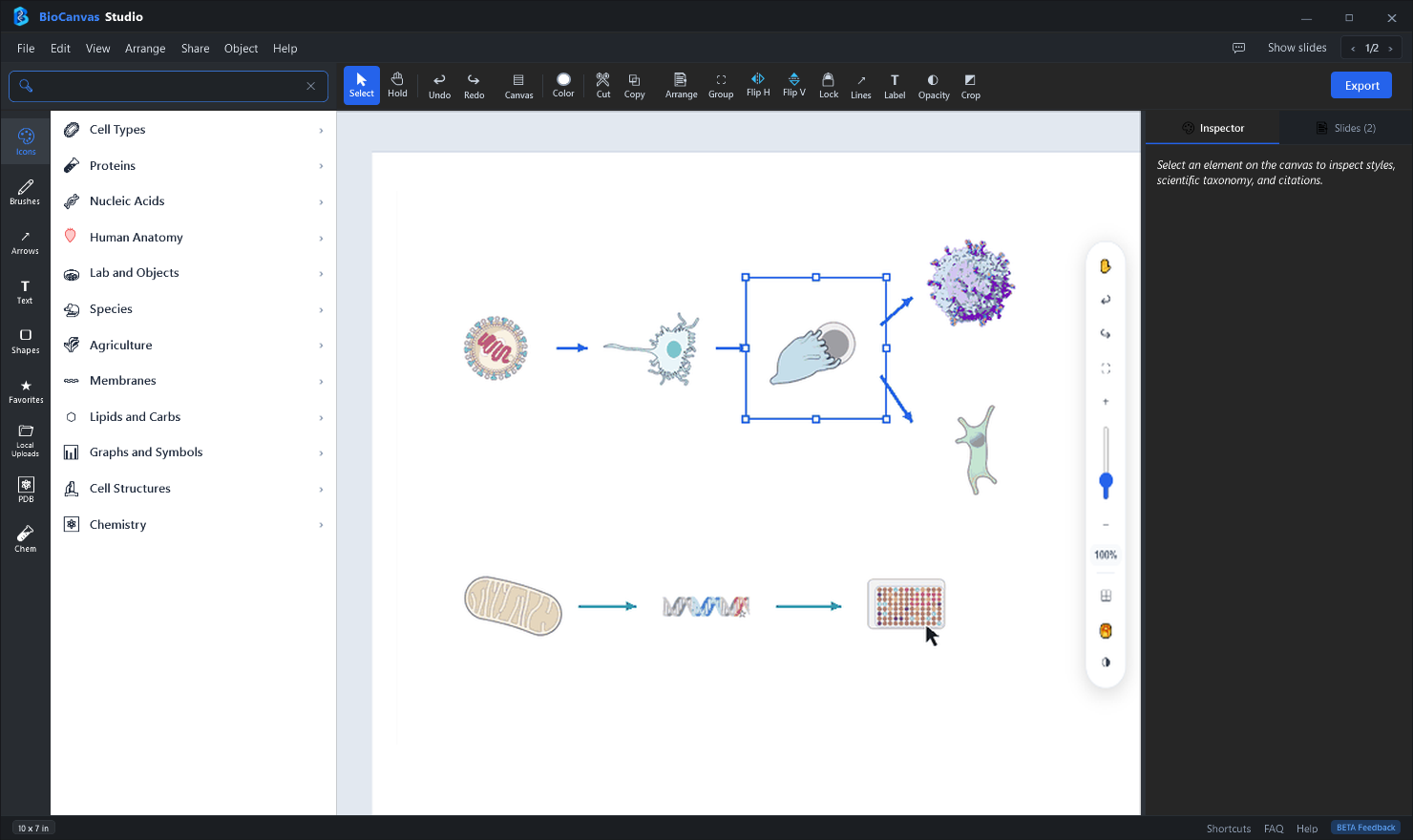
BioCanvas Studio — Publication Figure Workspace (Windows 10 / 11)
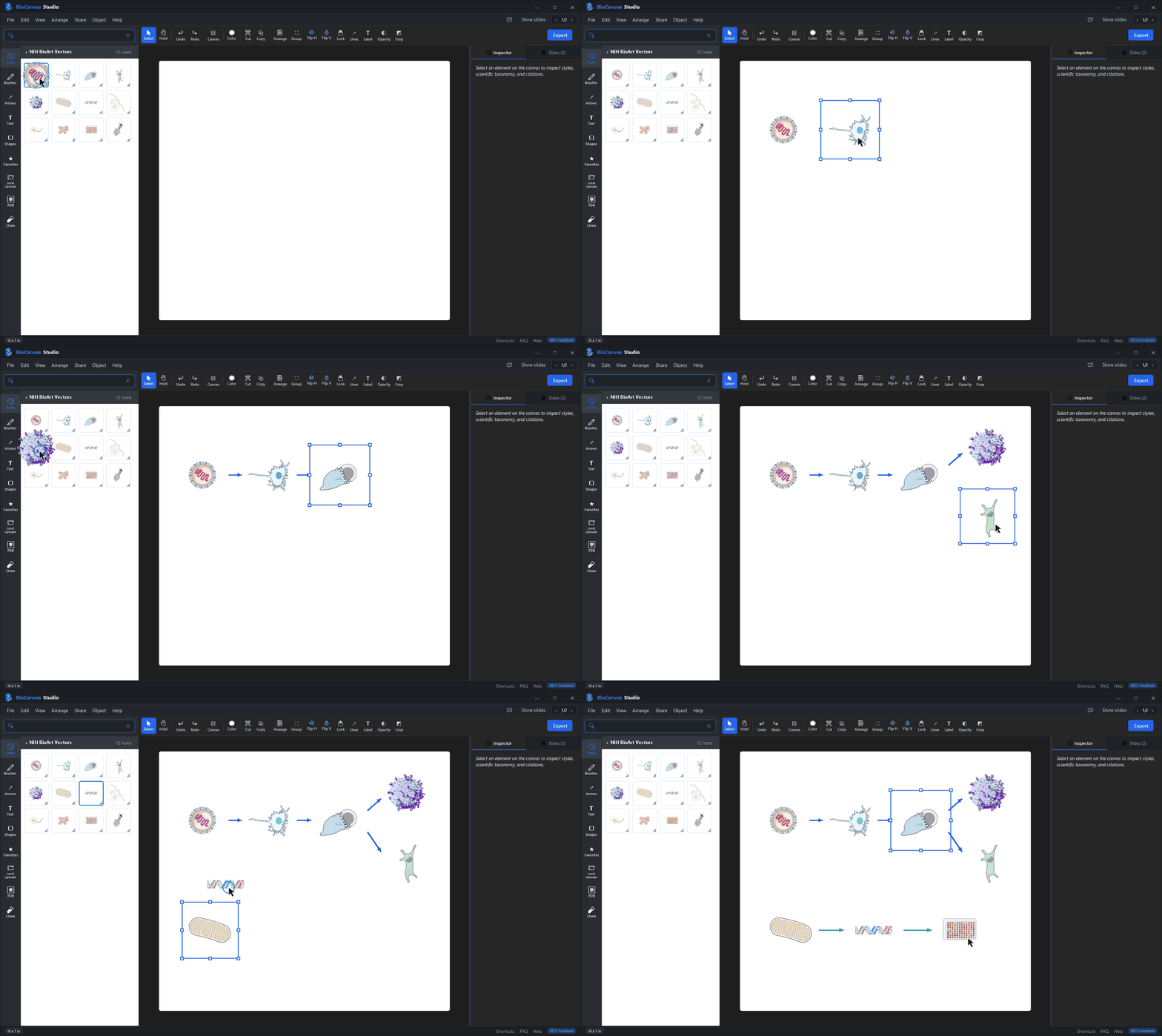
● Studio Workspace → Live Animated Demo
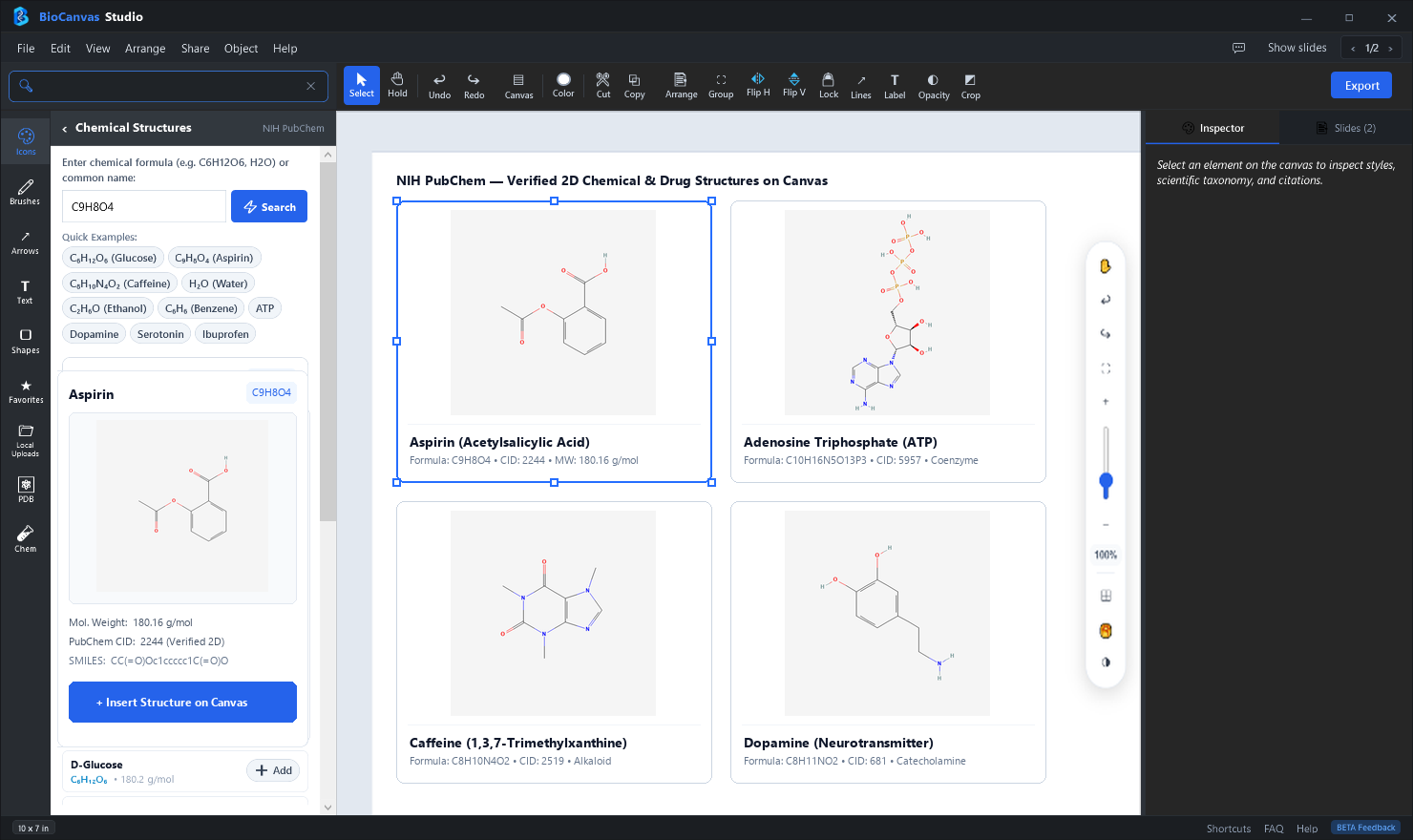
BioCanvas Studio unifies gold-standard scientific repositories with a fast, local-first desktop illustration engine for Windows 10 & 11. Connect online to search and fetch from 19,862+ biological vectors, PDB structures, and PubChem molecules, then compose, save, and export locally on your PC.
Publication-grade scientific illustration directly in your browser. Work seamlessly on Windows, macOS, Linux, ChromeOS, or iPad with 37,625+ biological vector assets, procedural membrane & DNA brushes, 3D macromolecular structures, and Visme-grade scientific data studio.
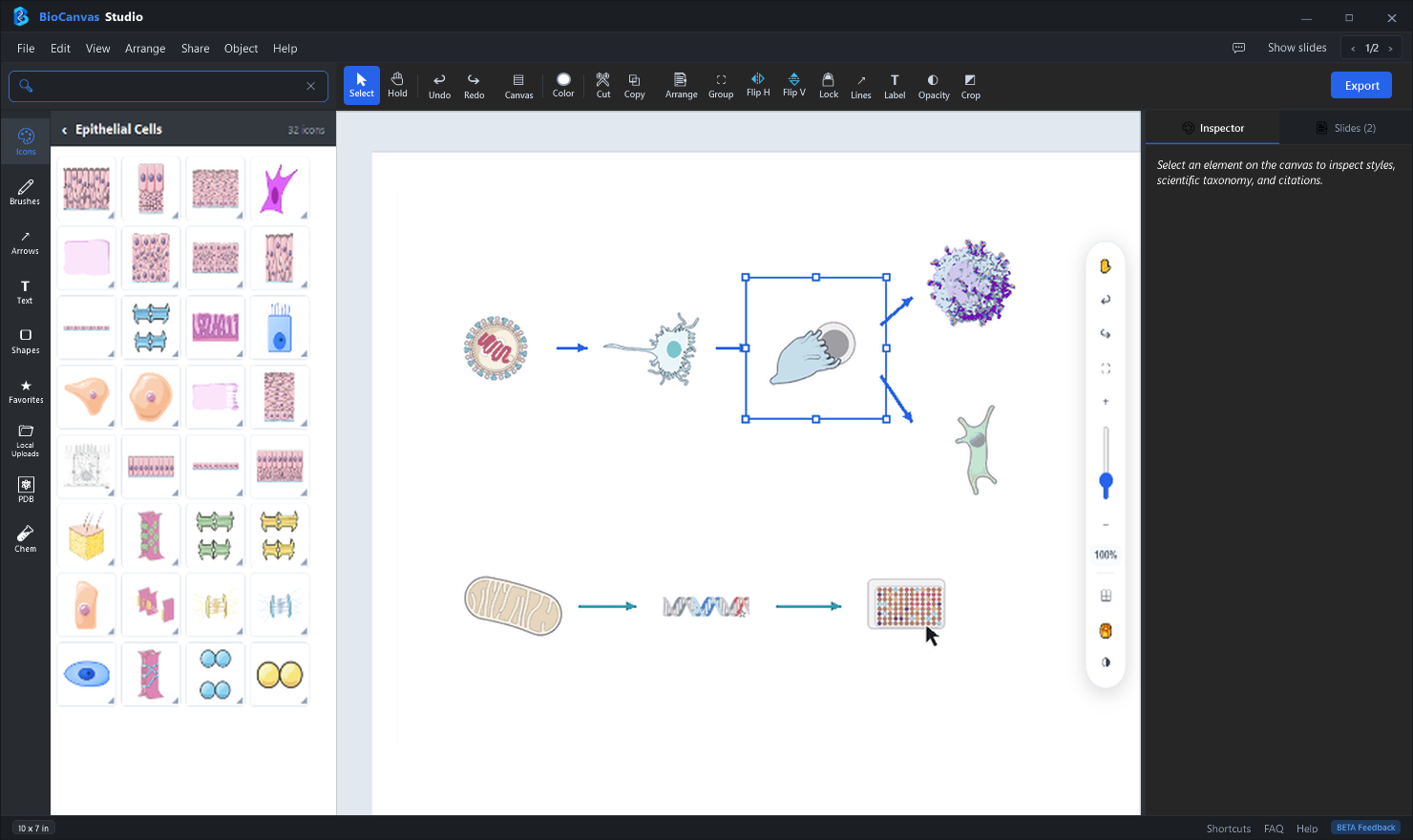
Search and filter across 12 disciplines—Immunology, Proteins, Nucleic Acids, Cell Types, Anatomy, Organelles, CRISPR, and Chemistry—with instant vector rendering.
📊
Visme-Grade Data Studio & 22 Widgets
Create dynamic indicators with 22 live Data Widgets (radial gauges, progress rings, thermometers, pictograms, timers) plus Kaplan-Meier survival curves, IC50 plots, and Vector Maps.
⚛️
Interactive 3D PDB & PubChem Molecules
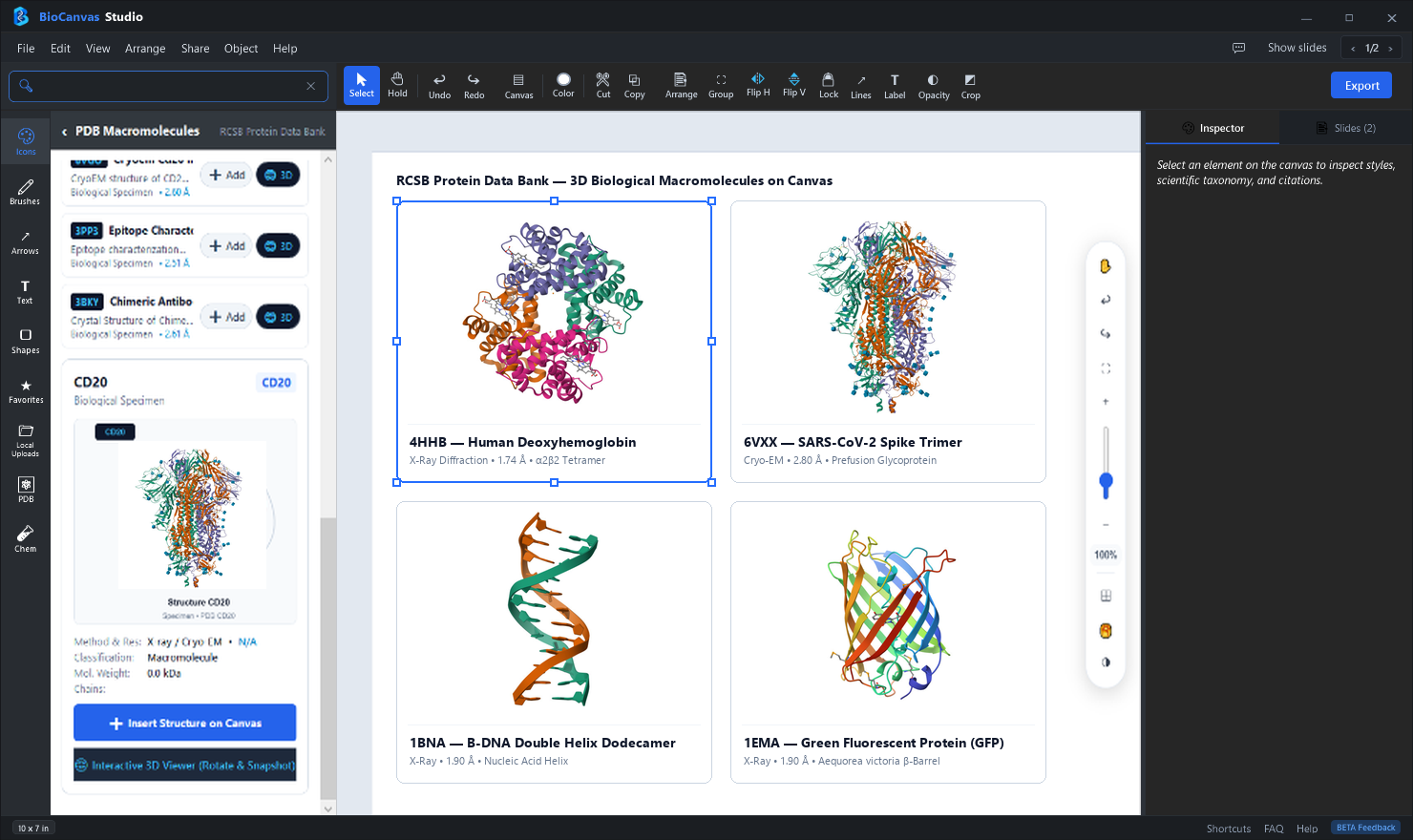
Fetch crystal structures from RCSB Protein Data Bank by 4-letter ID and small molecule therapeutics from NIH PubChem, customized directly via WebGL 3Dmol.js.
🫧
Procedural Membrane & DNA Helix Brushes
Draw continuous phospholipid bilayers, liposomes, vesicles, and DNA/RNA double helices along custom curves with interactive controls for rungs, bends, and layers.
🎨
Sub-Layer Hierarchy Painting & Presets
Select, isolate, recolor, and opacity-tune individual sub-layers inside composite biological assets with 10 scientific color palette presets.
📥
Publication Exports (300–1200 DPI & Vector SVG)
Export publication-grade figures in PNG, SVG, PDF, and JPG with a live interactive figure preview, transparent checkerboard support, and zero watermarks.
Cross-Platform Freedom: Work Anywhere
Runs smoothly in Chrome, Edge, Safari, and Firefox on Windows, Mac, Linux, and iPad. Your draft figures remain completely confidential.
Purpose-built tools for molecular biologists, structural chemists, pharmacologists, and academic authors.
19,862+ Searchable Biological Vectors
Browse organized categories across Immunology, Cell Signaling, Organelles, Neurobiology, CRISPR, Lab Equipment, and Model Organisms with instant keyword filtering.
Interactive 3D Protein Data Bank (PDB) Viewer
Query any crystal structure directly from RCSB PDB (e.g., 1BNA, 6VXX, 4HHB), customize ribbon and surface styles, rotate in 3D, and stamp onto your canvas.
2D & 3D Chemical Structure Explorer
Fetch small molecules, ligands, cofactors, and therapeutics directly from NIH PubChem by compound name, CID, or SMILES string with crisp vector bonds.
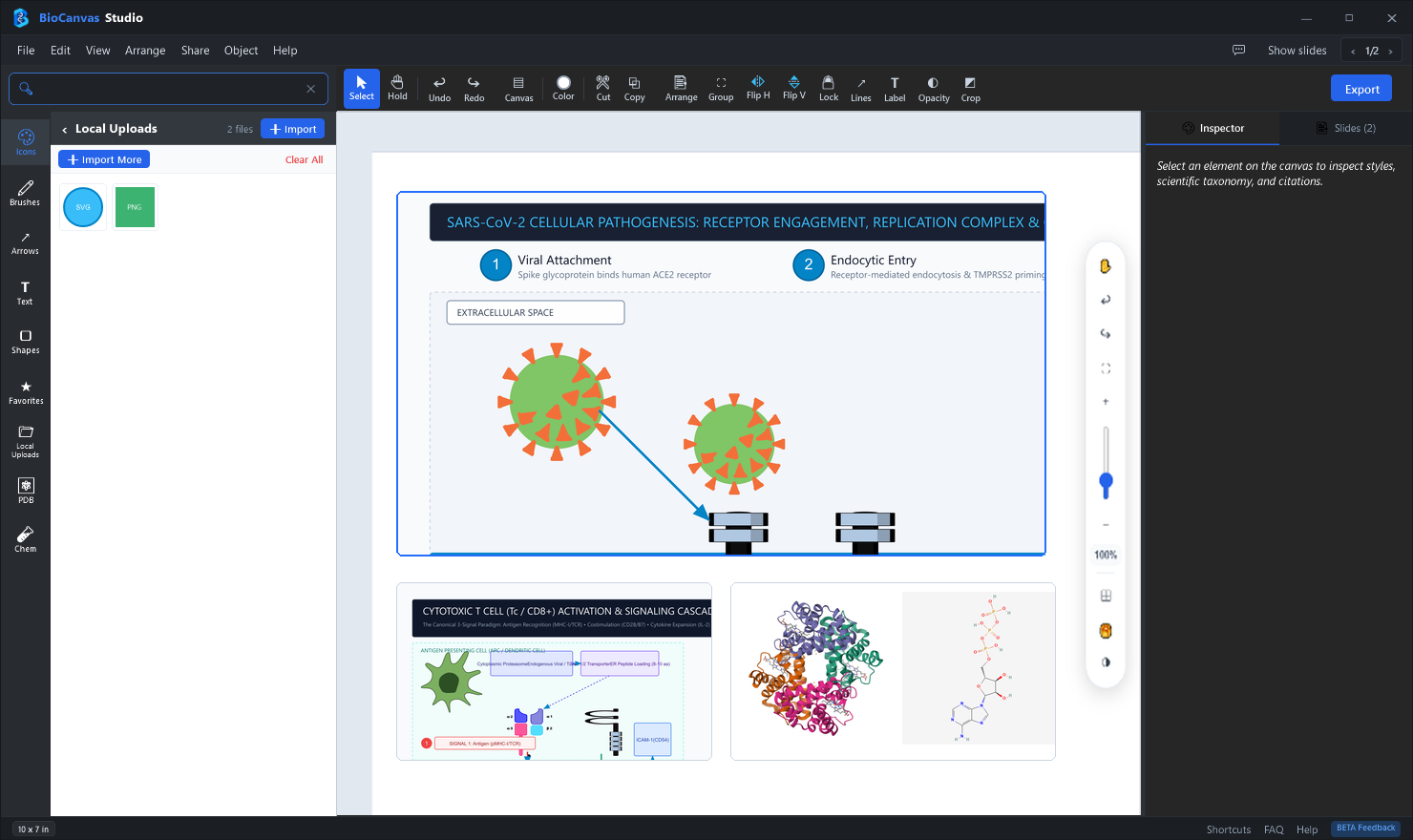
Import Custom SVG, PNG, PDB & MOL Files
Combine your lab's microscopy images, Western blots, custom vector graphics, and structural coordinates in a single unified figure layout.
Procedural Membrane & DNA Helix Brushes
Draw curved phospholipid bilayers, cell membranes, and double-stranded DNA/RNA helices along any custom Bezier path with real-time parameter controls.
Automated Journal Attribution & Provenance
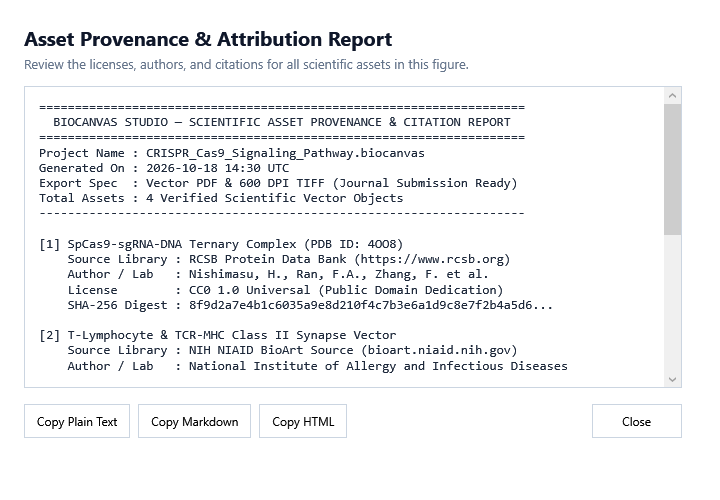
Generate a complete citation and license compliance report (CC0 / CC-BY 4.0) for every icon and molecular structure used in your manuscript figure.
Sample Public-Domain Vector Icons Included
Click any vector below to inspect — all 19,862+ icons are scalable and editable inside BioCanvas Studio.
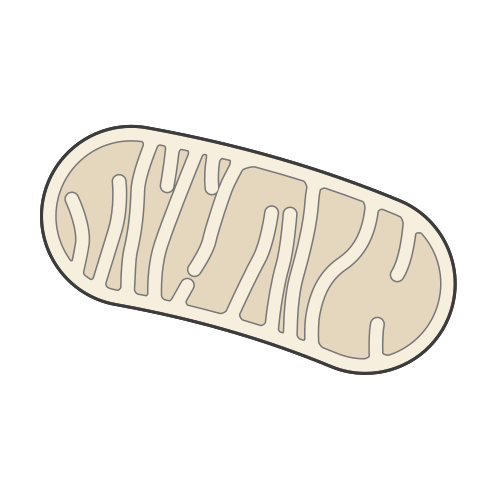
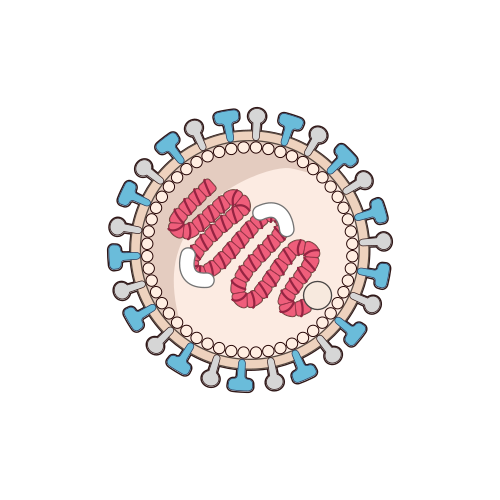
Mitochondria
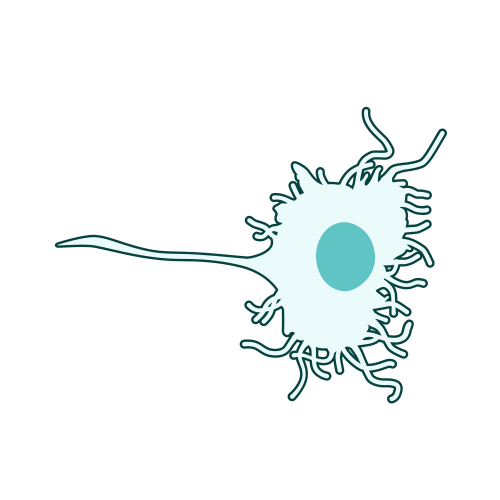
Dendritic Cell
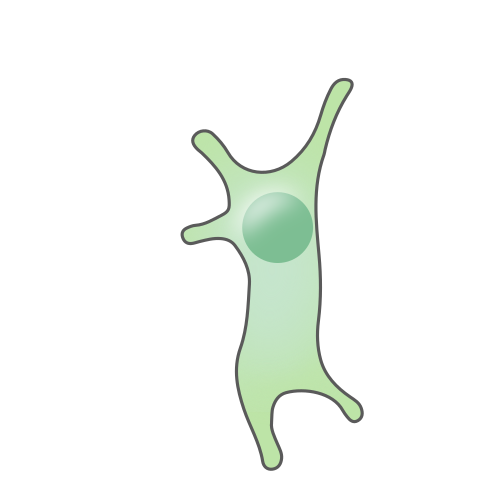
CD8+ T Cell
B Cell (IgM)
Cell Cross-Section
Intestine Organoid
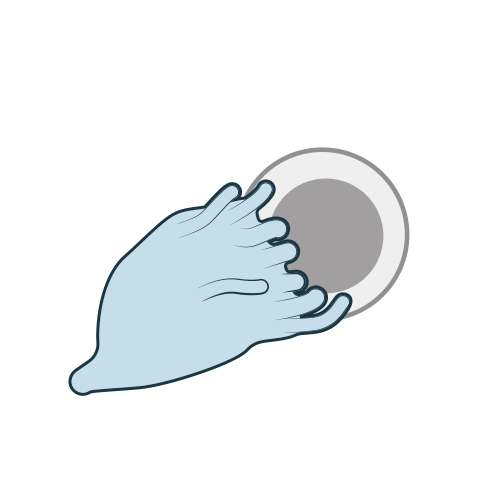
Immune Synapse
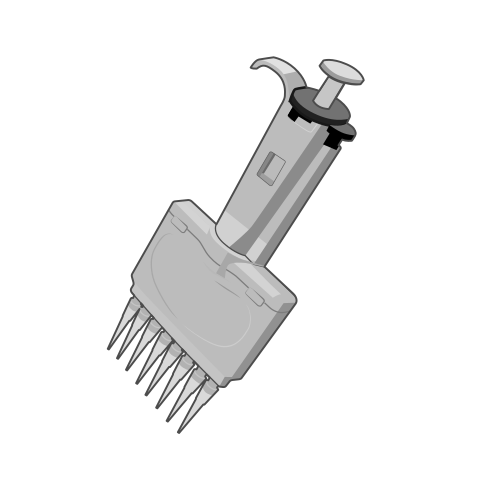
Lab Pipette
BioCanvas Studio vs. Cloud-Based Diagram Tools
Looking for a native Windows desktop illustration app? Here is how BioCanvas Studio compares to browser-based cloud diagram tools for academic and biotech researchers.
Feature / Capability
BioCanvas Studio (Windows Desktop)
Cloud-Based / Web Diagram Tools
Application Type
✓ Native 64-bit Windows App Zero browser lag, hardware-accelerated rendering
⚠ Web Browser / Cloud SaaS Can slow down with large complex canvases
Internet & Local Processing
✓ Local Engine + Online Asset Library Internet fetches assets/PDB/PubChem; canvas editing, file saves & exports run 100% locally on PC
⚠ Full Cloud SaaS Entire application, editor canvas, and project files reside on third-party remote web servers
Data Privacy & IP Protection
✓ 100% Local Device Storage Unpublished experimental data stays strictly on your PC
⚠ Cloud Server Uploads Draft figures hosted on 3rd-party remote servers
Free Starter Plan
✓ 5 Free High-Res Exports Included PNG, JPEG, SVG & PDF up to 1200 DPI
✗ Heavily Restricted Free Tier Watermarked exports or low-resolution web images
3D Macromolecular PDB Viewer
✓ Direct RCSB PDB 3D Engine Live 3D rotation, ribbon & surface cartoon rendering
✗ Limited / 2D Only Requires pre-rendered static screenshots from PyMOL
PubChem Chemical Structures
✓ Live NIH PubChem Importer Search by Name, CID, or paste SMILES notation
⚠ Manual Uploads Only No direct live compound database connection
Vector Icon Library
✓ 19,862+ Open Access & CC0 Icons NIH BioArt & Servier with automated citation reports
⚠ Proprietary Closed Library Loss of access if subscription lapses
Pricing & Subscriptions
✓ Flexible Pro Pass ($4.99/mo or $39.99/yr) Billed safely through official Microsoft Store
✗ $35 – $99+ per month / seat Significant annual budget burden for academic labs
Choose Your Platform & Plan
BioCanvas Studio is available both as a Universal Web App (Browser Cloud) and a Native Windows Desktop App (Microsoft Store).
● Detecting your location for local currency pricing...
FREE WEB STARTER
Web Starter
Launch directly in your web browser with zero installation needed.
Everything you need to know about BioCanvas Studio, free exports, journal licensing, and Microsoft Store subscriptions.
BioCanvas Studio Web brings the complete scientific illustration environment directly to your web browser with zero installation required. Accessible via /app on any computer (Windows, macOS, Linux, iPad), BioCanvas Web connects to 37,625+ biological vector illustrations, 22 dynamic data widgets, 3D PDB macromolecular crystal rendering, and high-resolution 300–1200 DPI figure exports. All canvas composing and rendering runs client-side in your browser for speed and confidentiality.
Every installation of BioCanvas Studio includes the Free Starter Plan with full access to the 19,862+ vector icon library, 3D PDB viewer, PubChem importer, and 5 free high-resolution exports. When you need unlimited exports and unlocked canvas screenshots/clipboard copy, you can upgrade inside the app to either the Monthly Pro Pass or Annual Pro Pass via the Microsoft Store.
BioCanvas Studio is built specifically as a fast, native 64-bit desktop application for Windows 10 & 11. An internet connection is used to search and fetch assets from the 19,862+ biological icon library, RCSB PDB, and NIH PubChem. Once loaded, all canvas editing, custom file imports, local project saving (.scidiagram), and high-resolution exports run locally on your device with hardware acceleration, keeping your unpublished research private. Unlike web-based diagram software requiring costly recurring subscriptions, BioCanvas Studio provides 5 free high-resolution exports out of the box and affordable Pro Pass options starting at a fraction of cloud tool costs.
Yes, an active internet connection is required to search and fetch assets from the online 19,862+ biological vector library, query 3D macromolecular structures from RCSB PDB, and import chemical structures from NIH PubChem. However, all diagram layout, canvas editing, custom file imports (SVG, PNG, PDB, MOL), local project saving (.scidiagram), and publication-quality exports (up to 1200 DPI) run locally on your Windows computer with native performance and complete data privacy.
Yes! Both the BioCanvas Studio desktop app (via Windows.Services.Store) and this website (via Microsoft's live Display Catalog API) fetch real-time pricing and local currency directly from Microsoft Store. Any pricing updates published in Microsoft Partner Center appear automatically without code changes.
Yes. BioCanvas Studio curates open-access scientific vectors (including CC0 Public Domain NIH BioArt and CC-BY repositories) and generates a complete Scientific Attribution & Provenance Report so your manuscripts comply with Nature, Science, Cell, and PLOS guidelines.
Microsoft Store Official App
Get BioCanvas Studio
BioCanvas Studio and its Annual & Monthly Pro Pass subscriptions are available through the official Microsoft Store on Windows 10 and Windows 11.
 Download for Windows
Native Windows 10 & 11 64-bit Desktop App
Download for Windows
Native Windows 10 & 11 64-bit Desktop App
 BioCanvas Studio — Publication Figure Workspace (Windows 10 / 11)